Auto-Cut Video, One Cut Per Sentence
UGCut cuts your take into clips per sentence automatically, anchored to your script, with no scrubbing and no manual trim points.
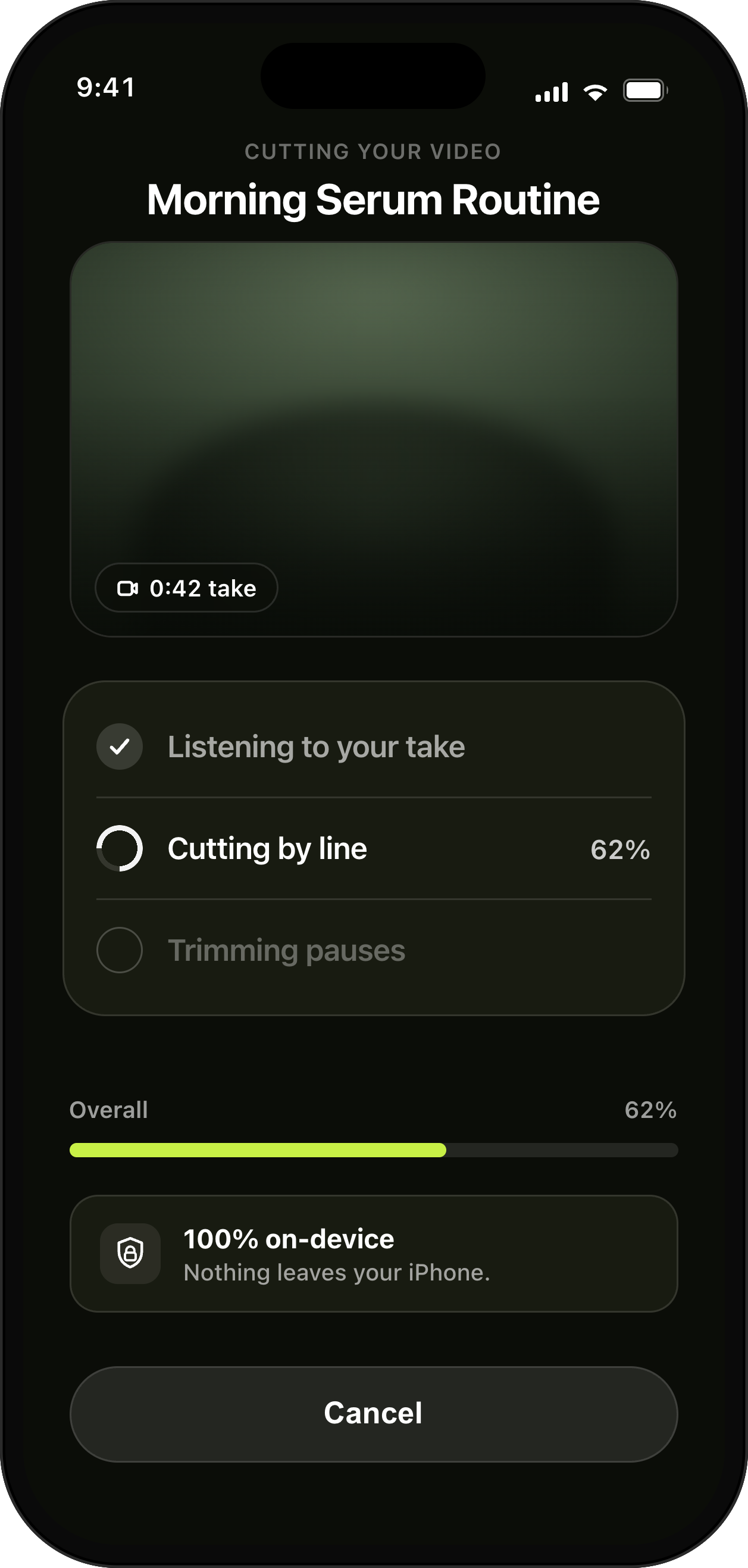
Cut per sentence the moment you stop, on device.
How it helps
Skip 45–90 minutes of timeline scrubbing; get a clean rough cut the moment you stop recording.
- Cuts per sentence
- Anchored to your script
- Zero timeline work
Learn more about UGCut on the app overview.
When you stop recording, UGCut cuts the take into one clip per sentence, automatically, using the script you wrote as the map. There are no trim handles to drag and no waveform to squint at. The cut points come from your sentences, so the rough cut exists before you have made a single editing decision.
What "anchored to your script" means in practice
The app is not guessing at silences. It knows the text you were reading and it knows where each sentence started and ended in the take, so each clip has an owner: sentence three of the script owns clip three of the video. That link survives everything downstream. Reorder the sentences and the clips follow. Cut a sentence and its clip goes with it.
That is why the timeline stops being necessary. A freeform timeline exists to let you express arbitrary cuts on arbitrary footage. If your cuts are always sentence boundaries, you do not need to express them by hand, and you certainly do not need to find them by scrubbing.
The 45 to 90 minutes this is aimed at
Ask any UGC creator where a talking-head deliverable actually goes wrong and the answer is rarely the shoot. It is the middle hour: playing the take back at 1x, finding the start of the good read, trimming the breath before it, finding the end, trimming the "um", nudging the next clip up against it, and repeating that nine times.
None of that work is creative. It is transcription by hand, done with your thumbs. Auto-cut removes the whole category. You go from "stop recording" to "here is a cut video" with nothing in between, and the decisions you are left with are the ones worth your attention: which take, which order, which caption style.
It also changes what is worth making. When a second version costs minutes rather than another hour, testing three hooks stops being a favour you do the client and starts being the normal way you work.
What you still control
Automatic does not mean final. The cut is a starting point that happens to be a good one. You still choose which take of each sentence makes the cut, you can still drop a sentence entirely, and you can still change the order of sentences to fix a video whose middle sags.
The difference is the unit of control. You are making decisions about sentences, which are things you can hold in your head, rather than about frames, which are not. Most people find they make better structural calls this way, because the structure is legible instead of buried in a strip of thumbnails.
- Pick which take of a sentence is used.
- Drop a sentence and its clip disappears from the video.
- Reorder sentences when the middle drags, without touching cut points.
- Re-record a single sentence and the cut rebuilds around it.
Where it is on device, and why that matters here
The cutting happens on your iPhone. There is no upload step, so there is no waiting on a queue, no progress bar tied to your signal, and no upload of your client’s unreleased product during editing. On a train with no bars, the loop still closes.
For brand work this is increasingly a contractual point rather than a preference. Some briefs now specify where footage may be processed. Editing stays on your iPhone. You choose whether to send media for an online feature.
Habits that make auto-cut work better
Leave a beat of silence between sentences when you record. Half a second is plenty. It gives the cut a clean edge and it gives you a natural place to breathe, which makes the read sound less rushed.
Write one idea per sentence. Two ideas joined by "and" become one clip, and you will wish they were two the moment you want to cut just the second half.
Do not narrate your mistakes. Saying "sorry, again" turns into a clip you then have to remove. Just re-record the sentence and move on.
Common questions
- Do I have to set the cut points myself?
- No. UGCut cuts your take into clips per sentence automatically, anchored to your script, with no scrubbing and no manual trim points.
- Can I still change the edit after the automatic cut?
- Yes. You choose which take of each sentence is used, you can drop a sentence, and you can reorder sentences. The cut rebuilds around those choices because each clip is tied to a line of script.
- Does auto-cutting upload my footage?
- No. The entire core loop runs on-device on iOS 26 and later. Editing needs no upload. Media leaves your iPhone only when you choose to send it for an online feature.
Where this sits in the loop
UGCut is a script-first video editor for UGC creators, and this feature is one step of a five-step loop: script, record, auto-cut, takes, caption and export.
Further reading
- Auto-cutting video by sentence
What sentence-anchored cutting replaces, and what it does not.
- How to make UGC videos on your phone
The loop this sits in the middle of.
UGCut is not out yet
The app is in development and is not on the App Store yet. Join the waitlist.
Join the waitlist