Use -14 LUFS integrated as a practical working target for a finished short-form mix, with true peak kept below clipping. It is not an official TikTok, Instagram, or YouTube Shorts upload requirement. Start with a clear voice, lower music under speech, check the export on the same phone volume, and resist boosting a quiet mix until it distorts.
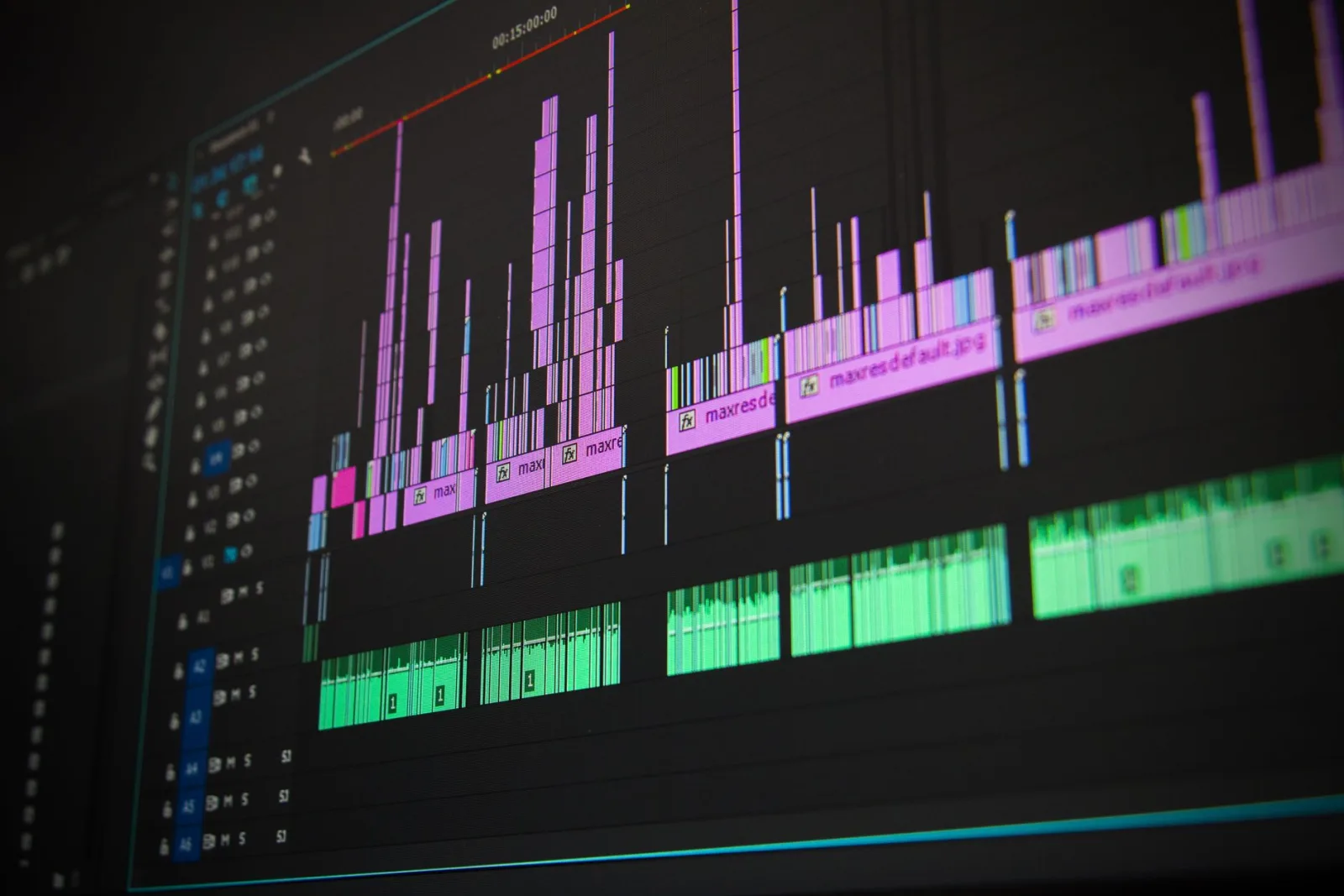
Audio levels are easy to judge badly. A waveform can look tall while the words feel weak, or a mix can sound fine in your editor and turn quiet beside the next video. You need one target, a clean voice-to-music balance, and a check on the file viewers will actually hear.
How loud should a TikTok, Reel, or Short be?
If you are asking how loud a TikTok video should be, or looking for LUFS for Instagram Reels, start with -14 LUFS integrated. That is the target most creators and tools work to for a finished social mix. It gives you a repeatable starting point without promising identical playback on every phone.
TikTok, Instagram, and YouTube Shorts do not publish one official upload loudness specification you can rely on here. Treat -14 LUFS as a working target for normalizing audio for social media, not a rule a platform requires. Then listen. A ten-second phone check catches problems a number cannot.
Why your video sounds quiet next to the one before it
The feed puts unlike mixes next to each other. One creator may push every word into a limiter while the next leaves more space around the voice. Your phone volume stays fixed, so the quieter average mix feels wrong even when its peaks look healthy.
Music creates the same illusion. A bright, dense song grabs attention at a lower meter reading than a soft voice over a sparse bed. Silence, long pauses, and a voice recorded far from the phone also lower the average. Find the quiet part before changing the master. If the voice itself sounds thin or noisy, start with our guide to fixing bad audio in a video on iPhone.
When one video goes to several feeds, keep the audio decision in the original export. Our guide to repurposing one script for TikTok, Reels, and Shorts covers the changes around the video, not repeated re-uploads.
Peak volume and perceived loudness are different
Peak is the tallest moment
A peak meter answers one question: what was the loudest instant? A clap, plosive, laugh, or music hit can top the meter while the sentence sits lower. If it reaches 0 dBFS, the file can clip. Lowering the mix fixes the peak, not the quiet words.
Perceived loudness is the running experience
Perceived loudness follows what you hear across time. Compression and limiting reduce the gap between quiet and loud moments, making a track feel louder without raising its highest peak. Push too far and the voice pumps, breaths stand out, and consonants lose shape.
True peak checks for peaks between digital samples when a file is converted or played. A true-peak ceiling gives them room. That is why a mix can avoid obvious clipped samples in the editor and still crackle after encoding.
LUFS without the audio-engineering lecture
LUFS measures loudness over time. The meter applies a hearing-weighted filter and averages the result, so it is closer to listening experience than a sample peak. ITU-R BS.1770 defines the measurement approach. EBU R 128 is a related framework used in broadcast and post-production tools.
Integrated LUFS considers the whole program, from first audio frame to last. A quiet intro or long pause affects the number. Short-term and momentary readings show smaller windows, useful for finding a loud section but not for describing the whole upload.
For short-form social video and many streaming workflows, -14 LUFS integrated is a sensible working target. It is not magic or a platform pass mark. A quiet opening can feel soft at -14, while a dense mix can feel tiring at the same reading. Use the number to get close, then listen.
Why chasing louder backfires
The fastest way to make a mix louder is to remove movement. A limiter catches peaks and turns the rest up, but if it works on every syllable, speech rises and falls with it. That pumping is obvious when music sits under a voice.
More level exposes distortion. Consonants flatten, music loses punch, and the video gets tiring. Some platforms may turn loud uploads down during playback normalization, so the pushed file can end up no louder than a restrained one, with less headroom and more damage.
Leave room for conversion and playback. A clean mix that lands near the working target is easier to hear than a clipped mix that wins the meter for half a second.
Balance the voice and music before you master
In a talking-head video, the voice is the message. Mute the music and make the spoken line clear on a phone speaker. Bring music up until it adds energy, then lower it one step. If you have to work to catch a word, music is too loud.
Use ducking when music stays present. Pull it down as speech starts, let it rise during a pause, and avoid an instant jump on every word. A slow release sounds more natural than music that vanishes and returns like a switch.
Check the loudest spoken line, quietest useful line, and music-only moment. If music has vocals, treat it as a second speaker and lower it further. Fix competing tracks before adding master gain.
A no-meter loudness check you can do on your phone
You can get a useful answer without knowing the LUFS reading. Use a reference video with a similar voice, pace, and amount of music. Our guide to making UGC videos on your phone shows a phone-first setup you can repeat before judging the audio.
- Put your reference video and your export on the same phone.
- Set the phone to a comfortable volume and do not touch it during the comparison.
- Listen to the first few seconds, one spoken sentence, and the loudest section of each video.
- Switch between the two without looking at the volume control.
- Repeat once through the phone speaker and once through the headphones you normally use.
Write down what you hear. "The voice is buried under the music" points to ducking. "The whole file is soft" points to gain or low average level. "The loud part crackles" points to clipping or a hard limiter. The note tells you what to change.
What to do when your desktop editor has a loudness meter
A meter makes the check repeatable if you measure the right signal. Put it on the final mix bus after voice, music, effects, and limiter. Measure the entire video, not just the loudest sentence.
- Play the complete mix and read the integrated LUFS result.
- Use -14 LUFS integrated as your working target for the social export.
- Watch true peak and keep the ceiling below clipping, with room for encoding.
- Listen for pumping, harsh consonants, and buried words while the meter runs.
- Export the file, then measure that saved file again instead of trusting the timeline reading.
Choosing an editor? Our guide on how to choose a video editor for UGC videos helps you score the checks that happen after creative decisions. Loudness is one of those final checks, and it should not leave you guessing which version reached the export folder.
Fix a quiet upload without making it worse
First compare the uploaded post with the saved export on the same phone, volume, and speaker. If the export is quiet, inspect the voice, ducking, and integrated reading. If the export is clear but the post is not, check the uploaded file and playback path before changing the master.
- Do not raise the master until you know whether the voice or the music is quiet.
- Do not judge from the waveform height alone.
- Do not compare a phone speaker with headphones at a different volume.
- Do re-measure after every meaningful gain or limiter change.
Once the file is clean, use the same export for each feed instead of downloading it from one platform. A fresh export keeps the loudness check under your control, along with captions and safe zones.
How UGCut handles loudness in the current development build
In the current development build, UGCut levels the final Cut mix to -14 LUFS integrated with a -1.5 dBTP true-peak ceiling. The voice leg is levelled to -18 LUFS, leaving room for music and the Cut gain. Measurement follows ITU-R BS.1770.
The exported file is measured again. If it lands outside -15 to -13 LUFS, or above -1.4 dBTP, the build records a warning rather than treating the export as a failure. The voice treatment chain and its loudness checks run on-device. Before you set the final level, you can clean up the voice track with one of three project-level treatments, Studio, Natural, or Original.
Common questions about loudness for short-form video
Is -14 LUFS required by TikTok or Instagram?
No. -14 LUFS is the target most creators and tools work to, not a published upload requirement you should attribute to TikTok or Instagram. Use it as a starting point, then listen to the exported file at a normal phone volume and make sure the voice is easy to follow.
Should I normalize every video to exactly the same number?
Use the same working target for consistency, but do not flatten every creative choice to chase a decimal. A short spoken video with a quiet opening needs a listening check even when the integrated number is right. Meter the whole file, then judge voice clarity and distortion.
Why does a loud waveform still sound quiet?
A tall waveform may come from one plosive, music hit, or clipped transient. The words can still sit low for most of the video. Check the voice on its own, look at integrated LUFS, and listen for a limiter that is catching peaks without giving the quieter words enough useful level.
What should I check before posting?
Measure the whole mix, check true peak, listen for pumping and distortion, compare voice and music on a phone, export, and listen to the saved file again. If the upload is going to more than one feed, keep one clean master and make the platform copies from it.
Make the check boring: use -14 LUFS as a working target, keep true peaks below clipping, make the voice easy to hear, then listen to the file you actually exported. UGCut is being built to keep that loudness check close to the rest of the phone edit.